

Data Packs
Unlock powerful, off-platform reporting with direct access to your Student CRM data
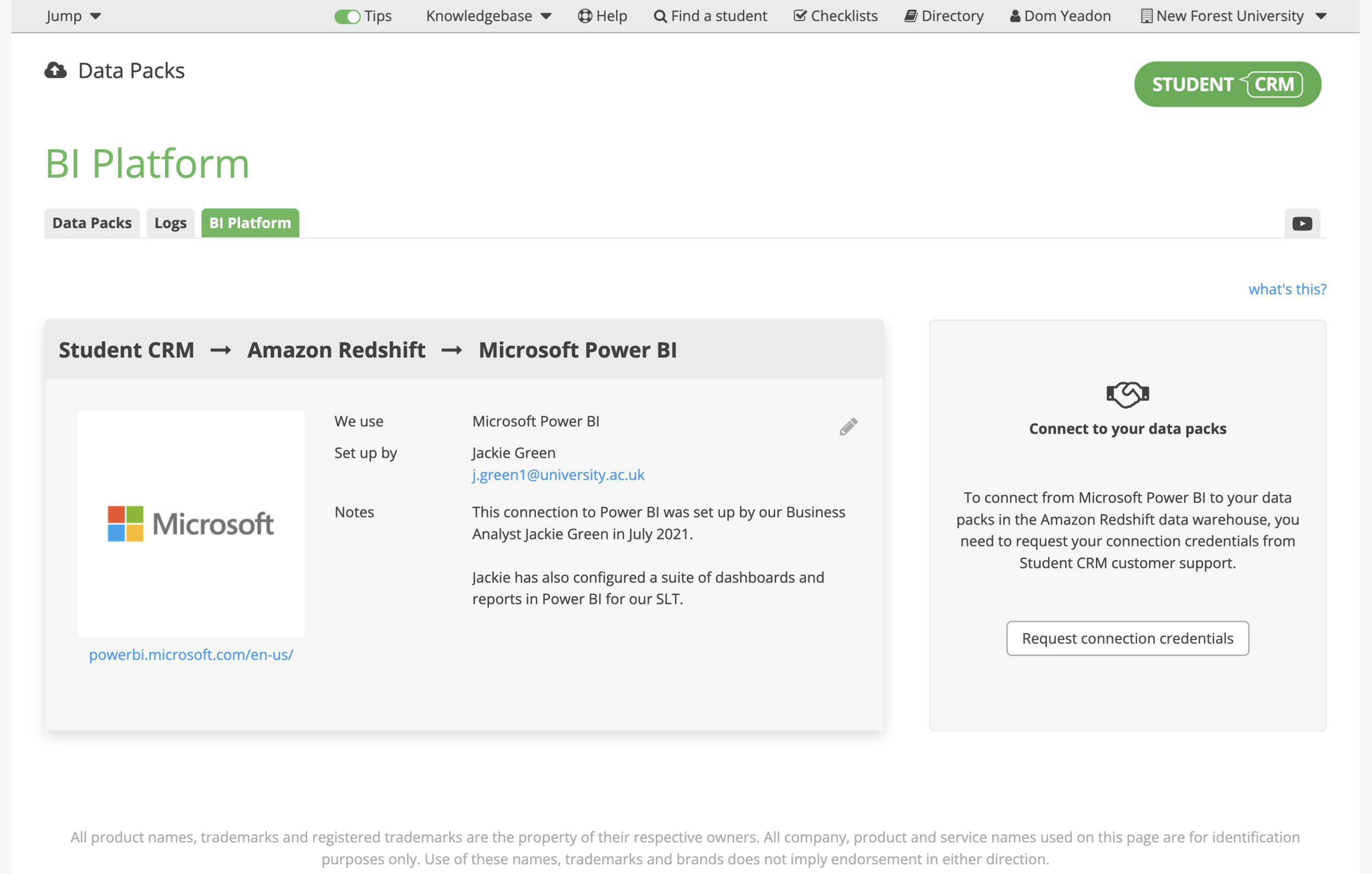
The Data Packs module gives you secure access to your Student CRM data through a connected cloud data warehouse. Your institution can connect Business Intelligence tools such as Power BI, Tableau, or Qlik for advanced reporting, analysis, and visualisation.
Explore the full depth of your recruitment and admissions data, combine it with other institutional sources through Student CRM integrations, and uncover insights that support better recruitment, conversion, and retention decisions.
What are Data Packs?
Data Packs is a Student CRM module that gives universities and colleges secure access to recruitment, admissions, engagement, event, campaign, application, and student journey data through a connected cloud data warehouse. Business intelligence, planning, data, IT, recruitment, admissions, and marketing teams can connect tools such as Power BI, Tableau, Qlik, and other ODBC-compatible platforms to build advanced dashboards, combine CRM data with institutional sources, and analyse performance beyond the standard Student CRM interface.
Everything you need for deeper, enterprise-level data analysis
Enterprise-level analysis
- Access more than 80 tables and 750 fields through the cloud data warehouse.
- Use documented tables, schemas, and relationships for greater transparency.
- Build dashboards in your institution’s preferred BI platform.
Cost-effective and flexible
- Connect BI tools directly from an analyst’s computer using ODBC credentials.
- Build and refresh reports without depending on central IT for every update.
- Create repeatable dashboards for operational and leadership reporting.
Complete student journey tracking
- Analyse cross-module data from enquiries, events, campaigns, and applications.
- Connect Applications Active and Applications Passive data to earlier recruitment activity.
- Identify which recruitment activities contribute to engagement, applications, and enrolment.
External data integration
- Combine CRM data with feeds from your Student Records System or other institutional datasets.
- Use integrated data to create a broader view of prospective student and applicant activity.
- Support evidence-based decisions across recruitment, admissions, marketing, and leadership teams.