

Mobile Event Pad
Capture student data anywhere, online or offline
The Mobile Event Pad app is one of Student CRM’s most useful recruitment tools, transforming how your team collects student details at fairs, school visits, open days, and international events. Students enter their details directly on your branded form; no paper, no handwriting errors, no lost leads.
Data syncs securely into Student CRM when a Wi-Fi connection is available, helping teams follow up after recruitment activity. For wider Student CRM context, related areas include Mobile Event Capture, Student Database, Event Manager, and Campaign Manager.
What is Mobile Event Pad?
Mobile Event Pad is a Student CRM tablet app that helps universities and colleges collect prospective student data at recruitment events, fairs, school visits, open days, and international events. It supports online and offline data capture, branded digital forms, consent-based student data collection, private notes, and automatic syncing into Student CRM when a connection is available.
Everything you need for smarter, paper-free student data capture
Offline data capture
Collect student details on iPads or Android tablets without needing internet access. Records are stored locally and sync automatically once connected.
Automated follow up
Student details flow directly into Student CRM, helping teams trigger automated follow-up emails and touchpoints after events. For related communication planning, see Campaign Manager.
GDPR compliant
As with any Student CRM form, the student always consents, whether they are online or offline with Mobile Event Pad. Capture data safely, securely, and with compliance in mind.
Completely paperless
Eliminate paper forms and unreadable handwriting. Students enter their information directly into your branded, easy-to-use digital form.
Multiple custom forms
Create and manage event-specific forms branded with your institution’s logo, colours, and design for a professional, consistent experience at every event.
Private notes
Add private comments or follow-up actions against individual records, helping your recruitment team capture useful context from each conversation.
Worldwide accessibility
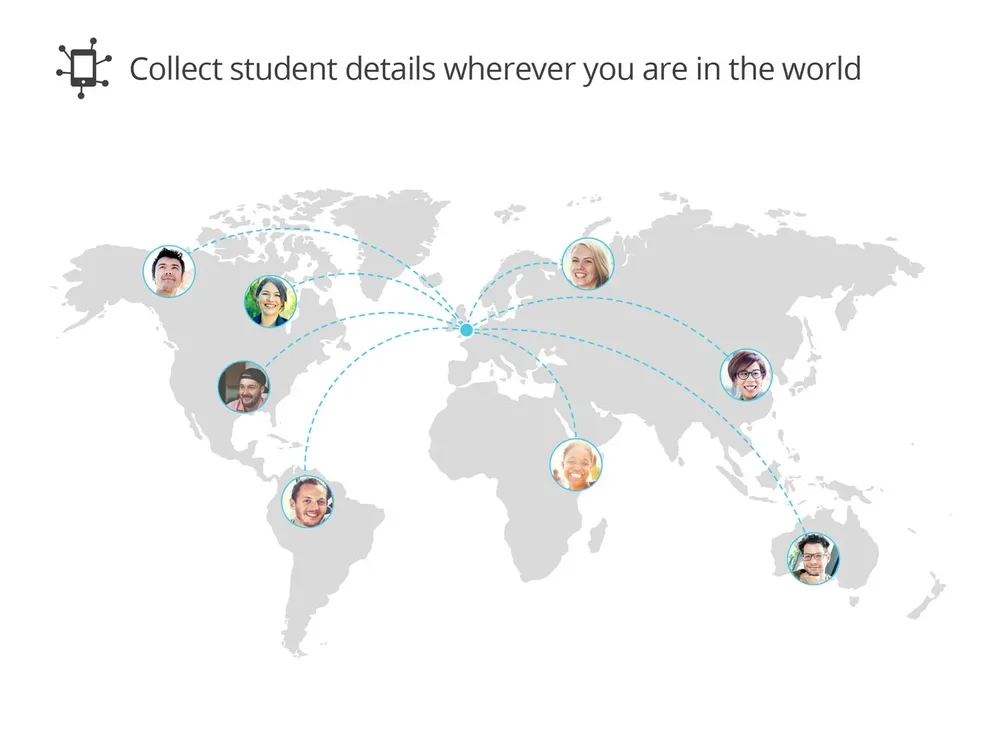
Use the app anywhere in the world, from school fairs to international recruitment events. Data syncs when a connection returns.
iOS and Android ready
Compatible with Apple and Android devices, ensuring every team member can capture student data with ease.
How it works
Before the event
Set up your events and forms in Student CRM, then download the Mobile Event Pad app on your iPad or Android tablet. Use your Token and PIN to connect the device to the correct CRM occurrence.
During the event
Students enter their details directly on your tablet. You can collect information, add private notes, and continue working offline if there is no signal.
After the event
Once you are back online, captured records automatically sync to Student CRM. For wider Student CRM context, related areas include Student Database, Event Manager, Campaign Manager, and Comms Centre.
Mobile Event Pad FAQs
Common questions about using Mobile Event Pad to collect prospective student data online or offline, replace paper forms, capture consent, sync event records, and support recruitment follow-up inside Student CRM.